
Reads the way your document does
Two-page spreads follow each document's direction, based on its language. One click flips it.
Version 0.1 · early release
A free, open-source PDF reader and editor for Windows, Linux and macOS, fast even with huge documents.
Free and open source · No account · No adsOther systems
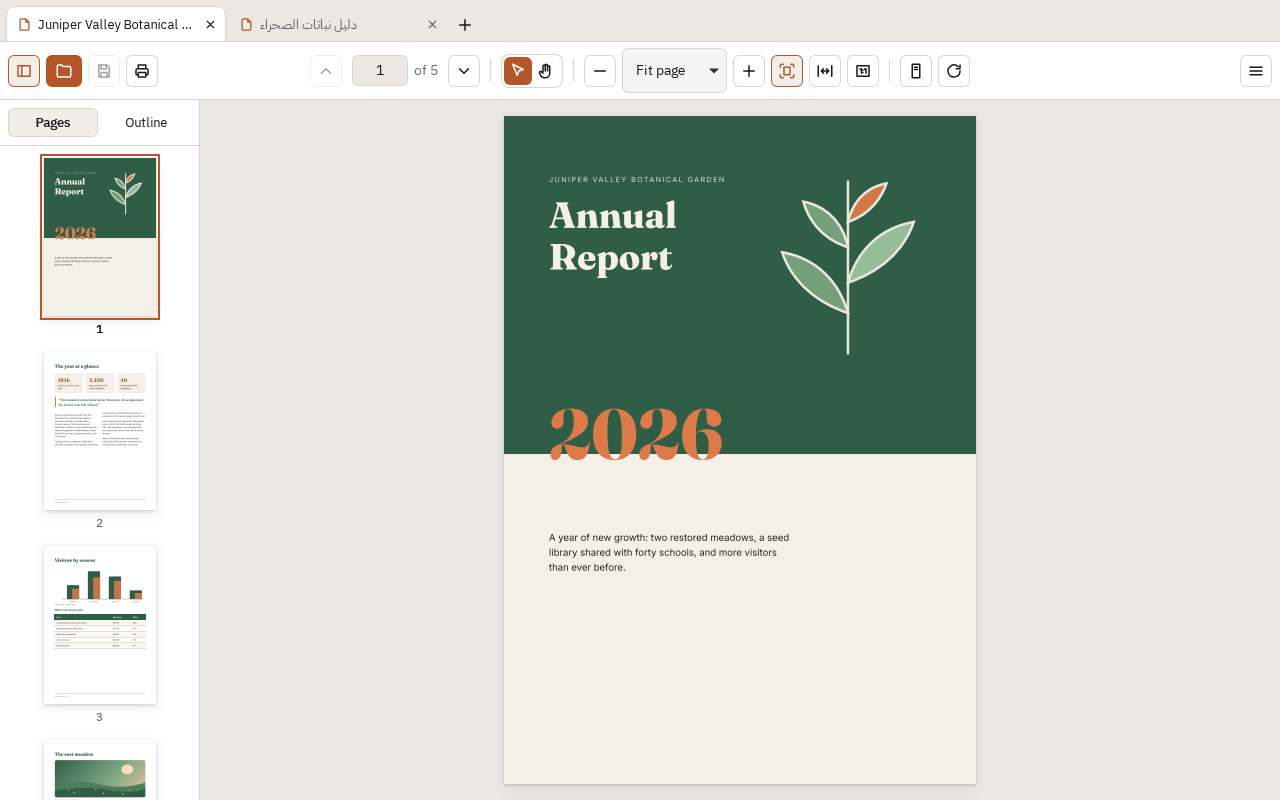
Move through any file smoothly, however many pages it has.
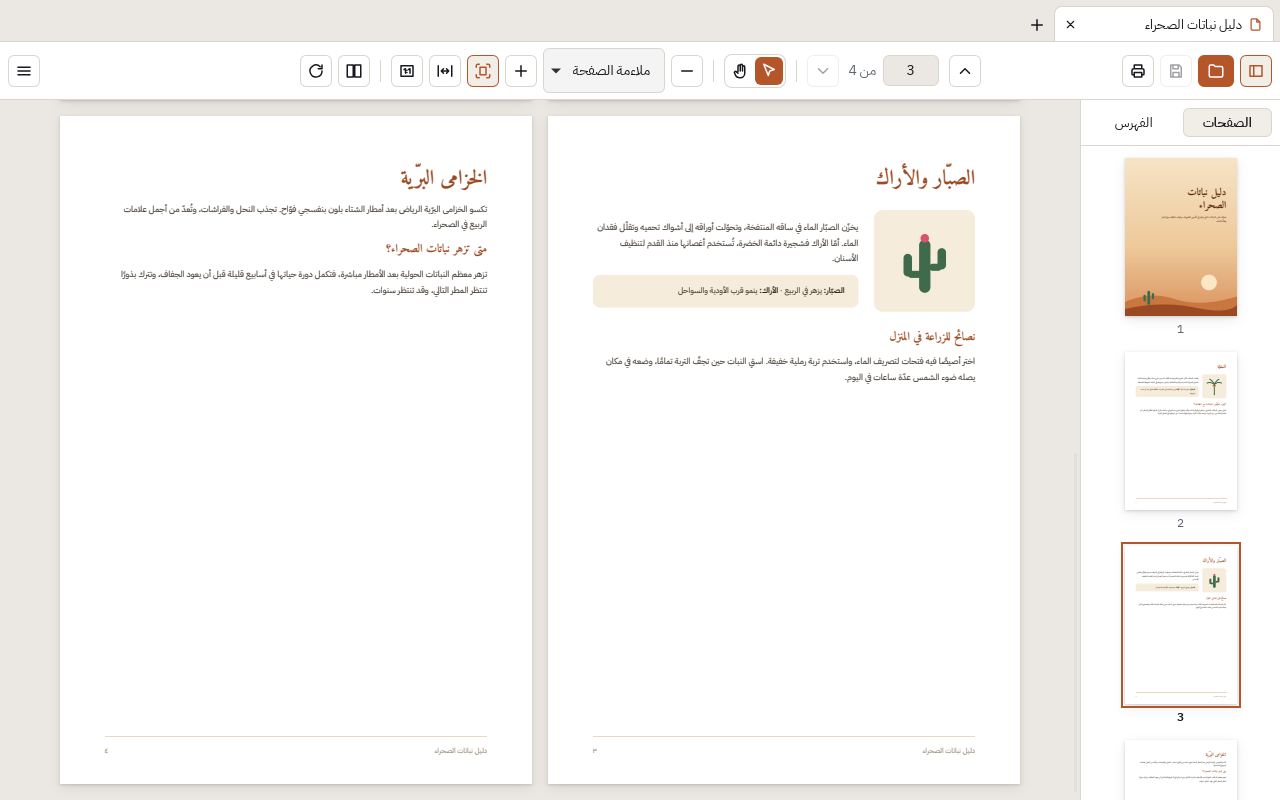
A multilingual interface that fully mirrors for right-to-left languages.
No account, no ads, no tracking. Your files never leave your computer.
Two-page spreads follow each document's direction, based on its language. One click flips it.
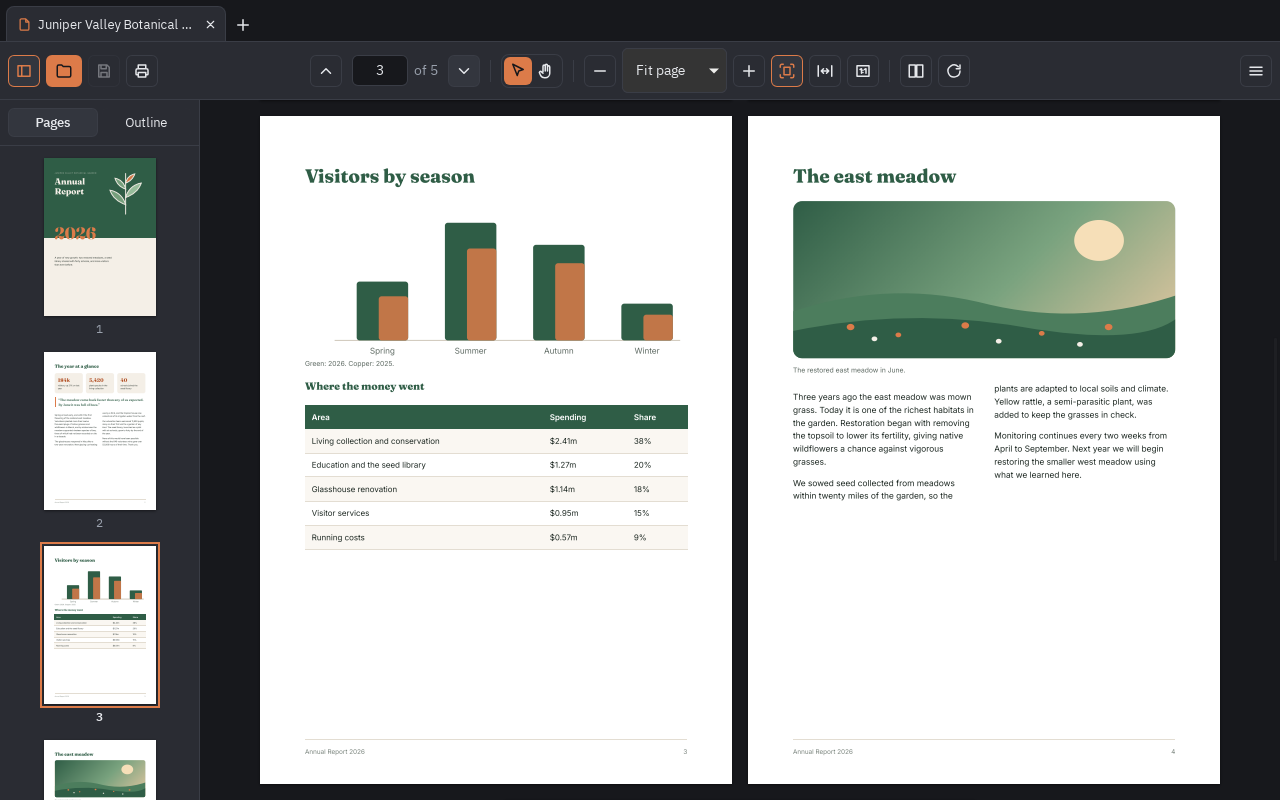
Light and dark themes that follow your system, and a calm interface that keeps the focus on your document.
PDFRivet is young. Version 0.1 is a solid reader; editing tools come next.
PDFRivet is open source under the MPL license, so anyone can contribute, suggest ideas, and even translate it into their language.
Yes. No trial, no subscription and no ads. It's open source, so it will stay free.
No. Everything happens on your computer. PDFRivet only goes online to check for a new version, and you can turn that off.
The installers aren't code-signed yet; that's coming. On Windows, choose “More info” and then “Run anyway”. On macOS, open System Settings → Privacy & Security and click “Open Anyway”.
PDFRivet checks for a new version once a day and asks before installing it. You can also choose “Check for updates…” in the menu.
Version 0.1 reads PDFs, fills in forms, prints, and edits a document's title and author. Highlights, signatures and page tools come in the next versions.
Windows, macOS and Linux (AppImage, .deb and .rpm).